Asset tracking
Tags on the things that move, receivers on the ceiling, and sub-metre positions on a live plan of your own floor. Here's what it does, how it goes in, and what it won't do.
Tags on the assets, receivers on the ceiling, sub-metre positions on your screen. We design it, mount it and configure it.
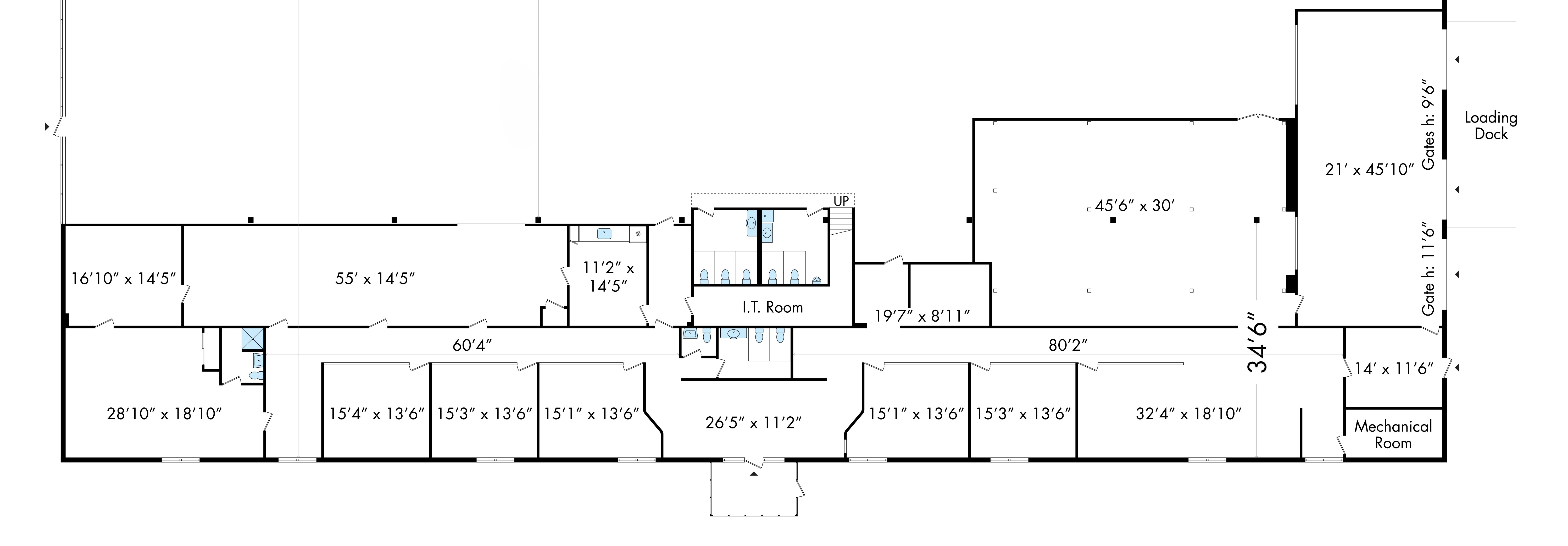
Illustration. We work from your existing plan, and if you haven't got one we survey the floor and draw it.
Not all of it at once. Most start with one problem that's costing them obvious money.
Search any jig, gauge or fixture and see where it is now. Search time drops to seconds, and you stop replacing kit that was never lost, only mislaid.
Follow every batch through the process. A job stalling between operations shows up while it's happening rather than at the end of the week.
See where the trolleys, kits and trucks are, and which area is sitting on them while another waits.
Crates, stillages and racks counted live by area, with an alert before line-side stock runs dry.
How long things sit in each area, and the route they take between operations. Hard evidence for a layout or lean project.
Which areas are crowded and which sit empty. Useful when you're arguing for a layout change.
Draw a rule round any area and get told when something arrives, leaves, or has been sat there too long.
A full history of where anything has been, with times. Useful for quality investigations and for arguments about what happened.
Every tag shows at its actual spot on your floor plan, typically within a metre. Not a zone name. Areas, counts and dwell alerts are built on top of that position, so you get both.
Where every tagged item is on the plan, to within a metre, live, with a full history of where it's been.
Draw areas on the plan and the system counts, times and alerts on them using the exact positions underneath.
We confirm it on your floor. Dense racking, steel and big machines bounce radio, so we survey first and tell you the accuracy you'll get in each part of the floor before you commit.
This isn't a box you plug in yourself. We walk it, plan it, fit it and set it up.
Twenty minutes on your floor. You show us what goes missing, we see whether tracking would actually fix it.
We take your floor plan and work out how many receivers it needs and where they go for sub-metre coverage.
A coin-sized tag on every item you want to see. We mount and wire the receivers. Ladders and cabling are our problem, not yours.
Assets appear on your plan and move as they move. Search by name, replay where something went, set alerts, on any screen.
We tag the things that go missing most in one part of your floor and run it live. Free if you go ahead with the full rollout. If you don't, you pay the pilot cost we agreed before we started, and nothing more.
The awkward bits, before you spend anything.
Asset tracking and machine monitoring are two separate products. You can have either without the other. Run them side by side and each one answers the question the other leaves open.
Jobs, trolleys, tools and stillages located on your floor plan, live, with a history of where they've been.
Asset tracking overviewClip-on sensors show which machines are running, powered but idle, or stopped, and for how long. No connection to the controller.
See machine monitoringMachine monitoring flags that Machine 4 has stopped cutting.
Asset tracking shows the fixture for Job 4417 is still sat in goods in.
Logged as waiting on material, with the evidence, instead of guessed at the end of the shift.
Twenty minutes on your floor. Tell us what goes missing and how often, and we'll tell you straight whether this is worth doing.
Book a free floor walkWe use cookies that make the site work, and we'd like to use Google Analytics and Google Ads to count visits and see which ads bring enquiries. They only run if you say yes. Details in the cookie policy.